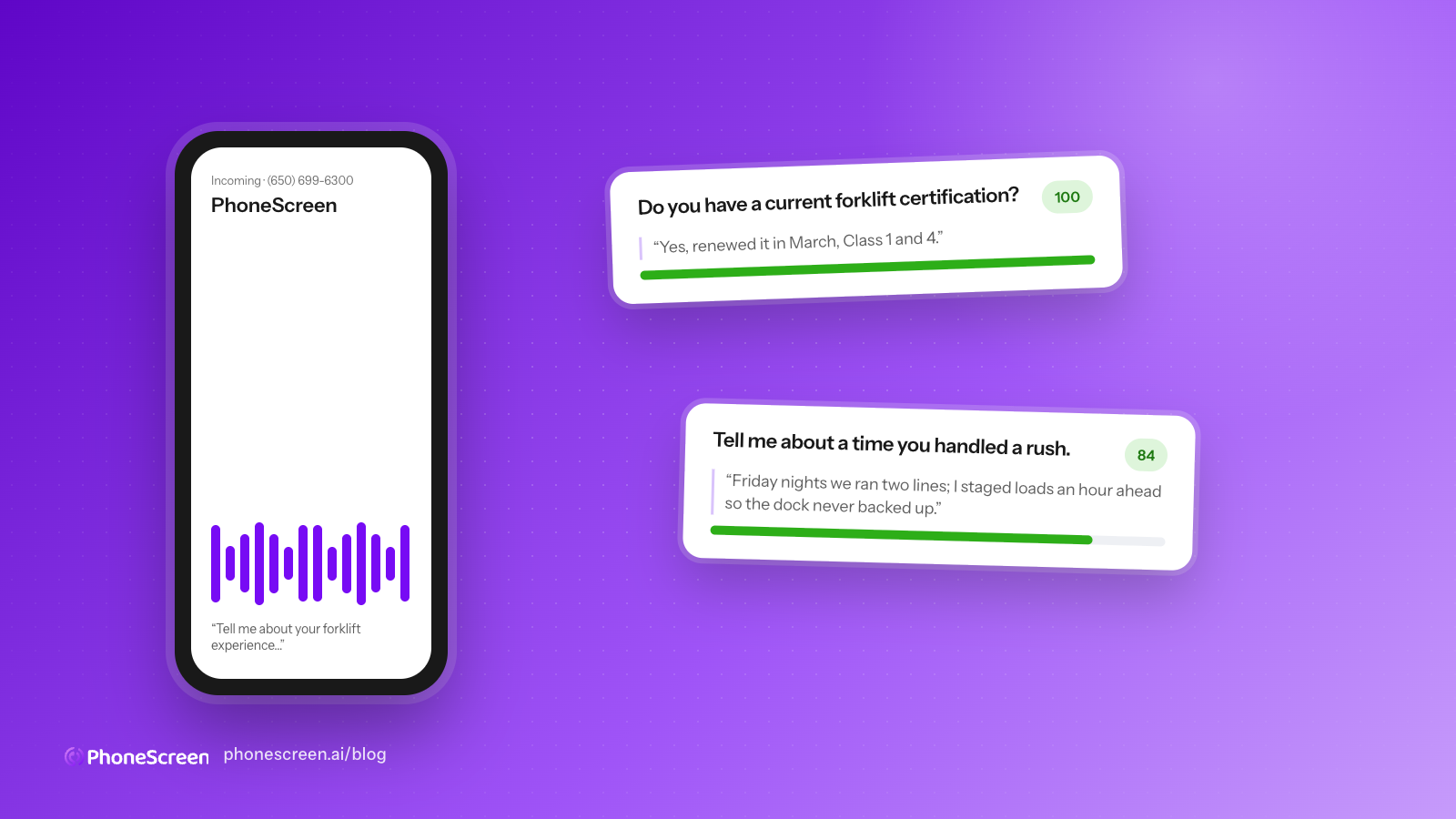
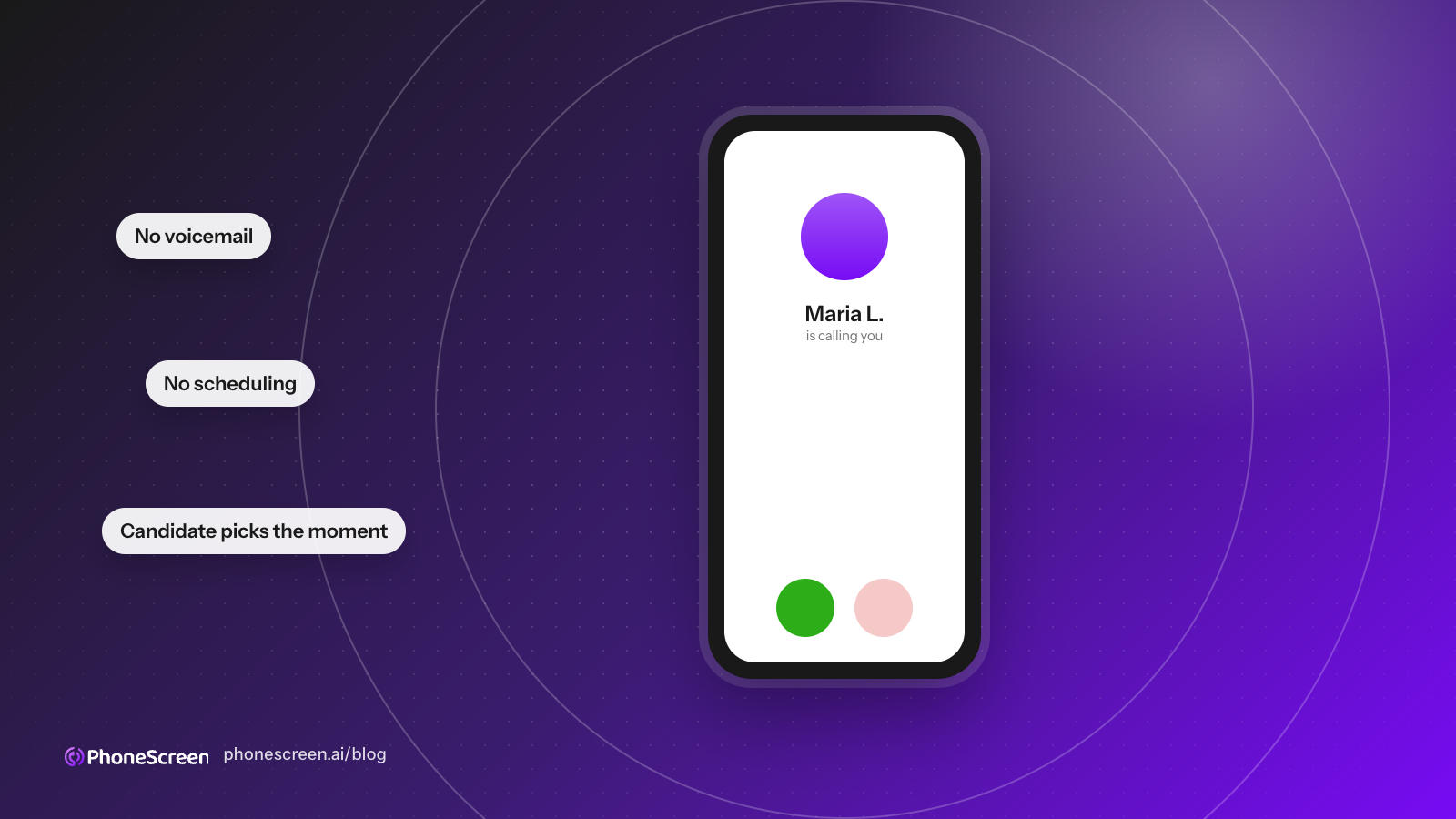
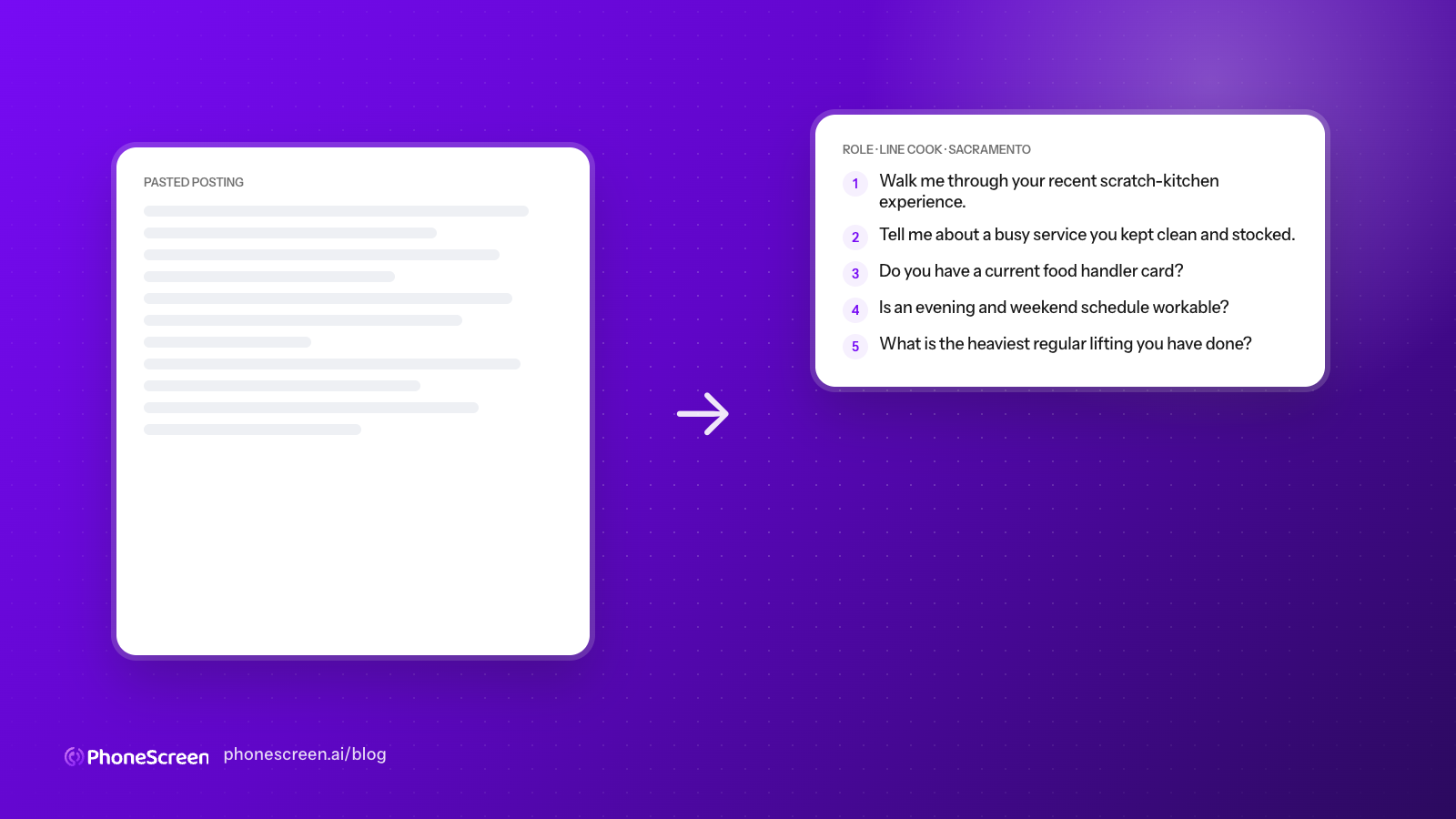
We moved PhoneScreen to OpenAI's GPT-Live-1. Here is what changed on the phone.
GPT-Live-1 is OpenAI's full-duplex voice model: it listens while it talks. We rebuilt our AI phone screener on it in September 2026. What full duplex fixes for a screening call, what it does not give you, and what we had to build ourselves.
· 5 min read · by the PhoneScreen.AI team
On September 10, 2026, OpenAI released GPT-Live-1 in the API. Eight days later every PhoneScreen interview was running on it. This is what the switch changed for a candidate on the phone, and what it did not.
If you are here because you are evaluating GPT-Live-1 for your own voice product, the second half is for you. If you are here because you use PhoneScreen and want to know why calls feel different this month, the first half is.
The problem with the old model was pauses
Before this, PhoneScreen ran on OpenAI’s Realtime models. They were a real step up from the original chain of speech-to-text, a language model, and text-to-speech, because they processed audio in a single model. But they were turn-based. The model waited for the candidate to stop talking, decided the turn was over, and then spoke.
The trouble is how it decided. Turn detection ran on silence. A candidate who paused to think about a difficult question sounded, to the model, like a candidate who had finished. So the interviewer would start its next question halfway through the answer.
For a phone screen this is the worst possible failure. The whole point of the call is to get the candidate’s real answer, and the people who pause before answering are often the ones with the most to say. OpenAI’s own GPT-Live announcement names this exactly: with silence-based turn detection, “even a brief pause or background noise could be mistaken for the end of turn, causing the model to interrupt at unnatural times.”
What full duplex means in a screening call
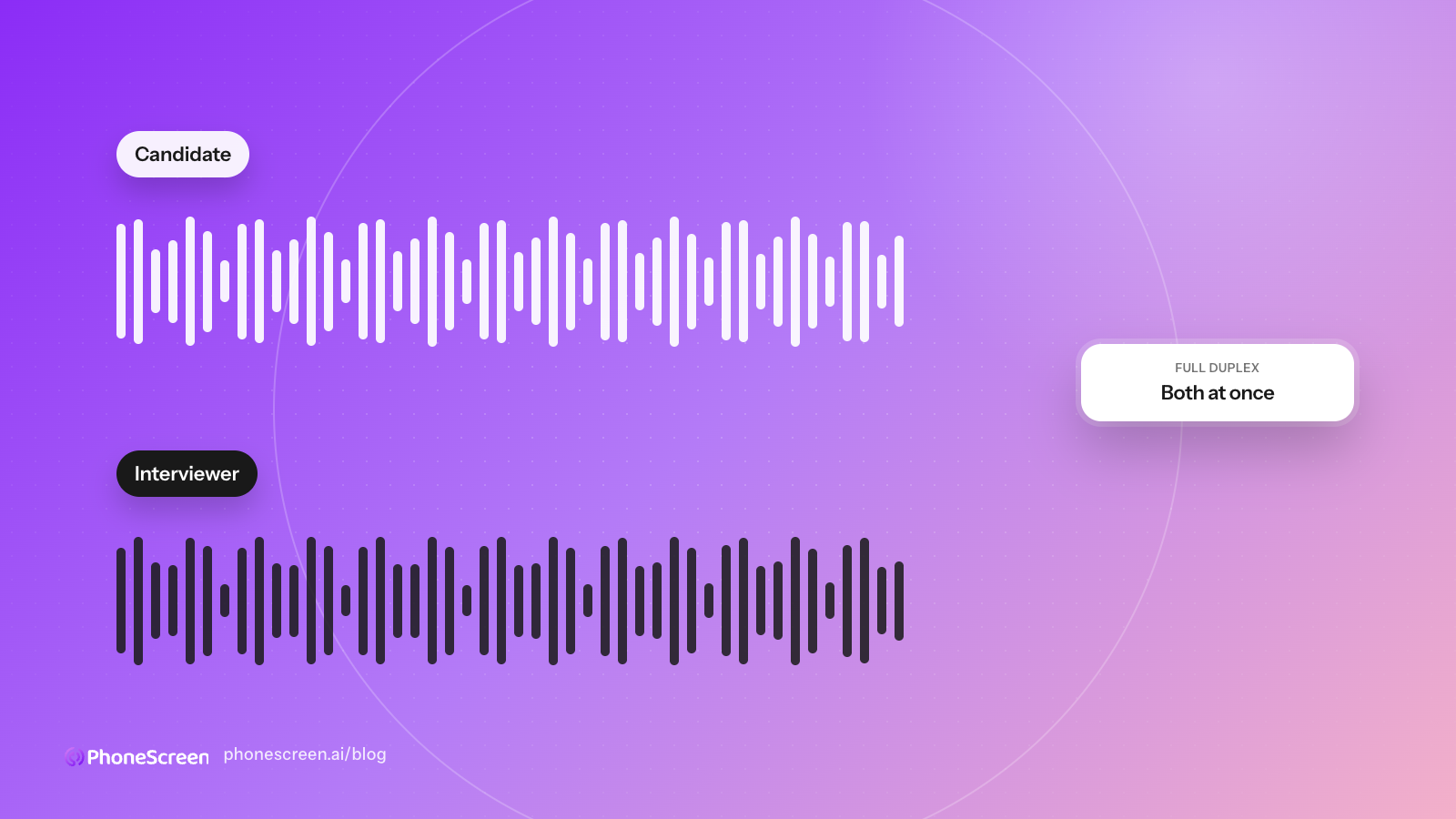
GPT-Live-1 is full duplex. It listens and speaks at the same time, and instead of processing a sequence of turns, it continuously processes input while generating output. OpenAI describes it as making interaction decisions many times per second: whether to speak, keep listening, pause, or hand work off.
On a screening call, that turns into three concrete differences.
It waits through a pause. A candidate who stops mid-sentence to find the right word is no longer interrupted. The model can tell the difference between a pause and a finish, because it is still listening to what comes next.
It handles being interrupted. If the candidate cuts in with a question while the interviewer is mid-sentence, the interviewer stops and deals with it. Under the old model an interruption was an audio collision that the server had to clean up after.
Background noise stops derailing the call. Candidates take these screens from cars, break rooms, and kitchens. The old model treated a slammed door or a second voice as the end of a turn. GPT-Live-1 is built to keep focus on the speaker.
OpenAI reports that GPT-Live-1 improves Full Duplex Bench, which measures turn-taking, interruptions, and backchannels, by 30 percentage points over GPT-Realtime-2.1. One of their launch customers, the language tutor Speak, measured an almost 80% cut in interruptions. Our experience matches that direction: across the first week of live calls, transcripts stopped showing the interviewer’s next question stacked on top of the tail of the candidate’s answer.
How the architecture works
GPT-Live-1 does one job: the conversation. It does not run the interview script, decide what question comes next, or write the scorecard. It delegates that to a backend text model and keeps talking while the backend works.
We pair it with gpt-5.6-luna, one of the backend options OpenAI suggests for high-volume, fixed-procedure work. Luna holds the question list, the follow-up rules, and the two tools that end an interview or handle a voicemail system. GPT-Live-1 handles the voice, the timing, and the manners.
Two details made the switch cleaner than we expected. GPT-Live-1 accepts 8 kHz PCMU audio directly, which is what a phone line carries, so Twilio audio passes straight through with no transcoding. And the voice layer is priced at a flat $0.05 per minute, which at our average screen length is a fraction of a cent of the $4 we charge per completed screen.
What GPT-Live-1 does not give you
This is the part worth knowing before you build on it.
There is no end-of-turn event. Because the model is not turn-based, it never tells you a response is finished. Output audio arrives as deltas with no timing and no done event. Transcripts arrive as separate input and output streams that OpenAI is explicit “are not definitive turn boundaries.” If your application needs to know when the interviewer has finished speaking, you infer it from your own playback state. We use Twilio’s playback marks.
The voice model cannot call tools itself. Tools live on the backend and run only when the live model chooses to delegate. There is no client event that forces a delegation. So you cannot, for instance, give the voice model an end_call tool the way you could on Realtime. Our old design relied on exactly that, and it had to go.
Ending the call is your problem. This follows from the two above. Nothing in the session tells you the interview is over. We spent the most engineering time here, and the design we landed on is that the server owns the close: the backend can end the call when the last question is answered, an audible sign-off from the interviewer ends it after that audio has played, and a candidate saying goodbye shortens the wait. Underneath all of that is an inactivity timer that resets on every fragment of candidate speech, because a countdown that ignores the candidate hangs up on people mid-answer.
Prompting is different. OpenAI’s guidance is to give the live model a role, a style, and a delegation policy, and keep the procedure in the backend prompt. The live model has a small context window and a 16k-token instruction cap. We split what had been one long Realtime prompt into a short live prompt and a longer Luna prompt, and the calls got noticeably better when we stopped trying to tell the voice model what to say word for word.
One more thing we learned in the first week. OpenAI’s default recommendation is moderate backchanneling, the “mhmm” and “got it” that make a conversation feel attended to. In a screening call we turned that down. A candidate giving an answer does not need encouragement noises, and an early “thanks” before they have finished reads as being cut off. That was a prompt change, not a model limitation, but it is the kind of thing you only find by listening to real calls.
What a recruiter sees
Nothing in the product changed. Same apply link, same scorecard, same transcript. The interviews are simply less likely to talk over the candidate, and more likely to capture the full answer. If you want to hear it, the sample screen will call you and ask three questions, and the scorecard lands in your inbox.
If you are building a voice agent and want to compare notes on GPT-Live-1, email us. We have run it on 2,466 real interviews and counting, and most of what we know is in the section above.
Curious what the candidate hears?
Take the three-question sample screen for a paper sales job at Dunder Mifflin. Your scorecard lands in your inbox.