Connecting PhoneScreen to your ATS: links, webhooks, and the API
Three ways to plug screening into the tools you already use, from a link in an auto-reply to a full API integration that creates roles and receives scorecards.
· 2 min read · by the PhoneScreen.AI team
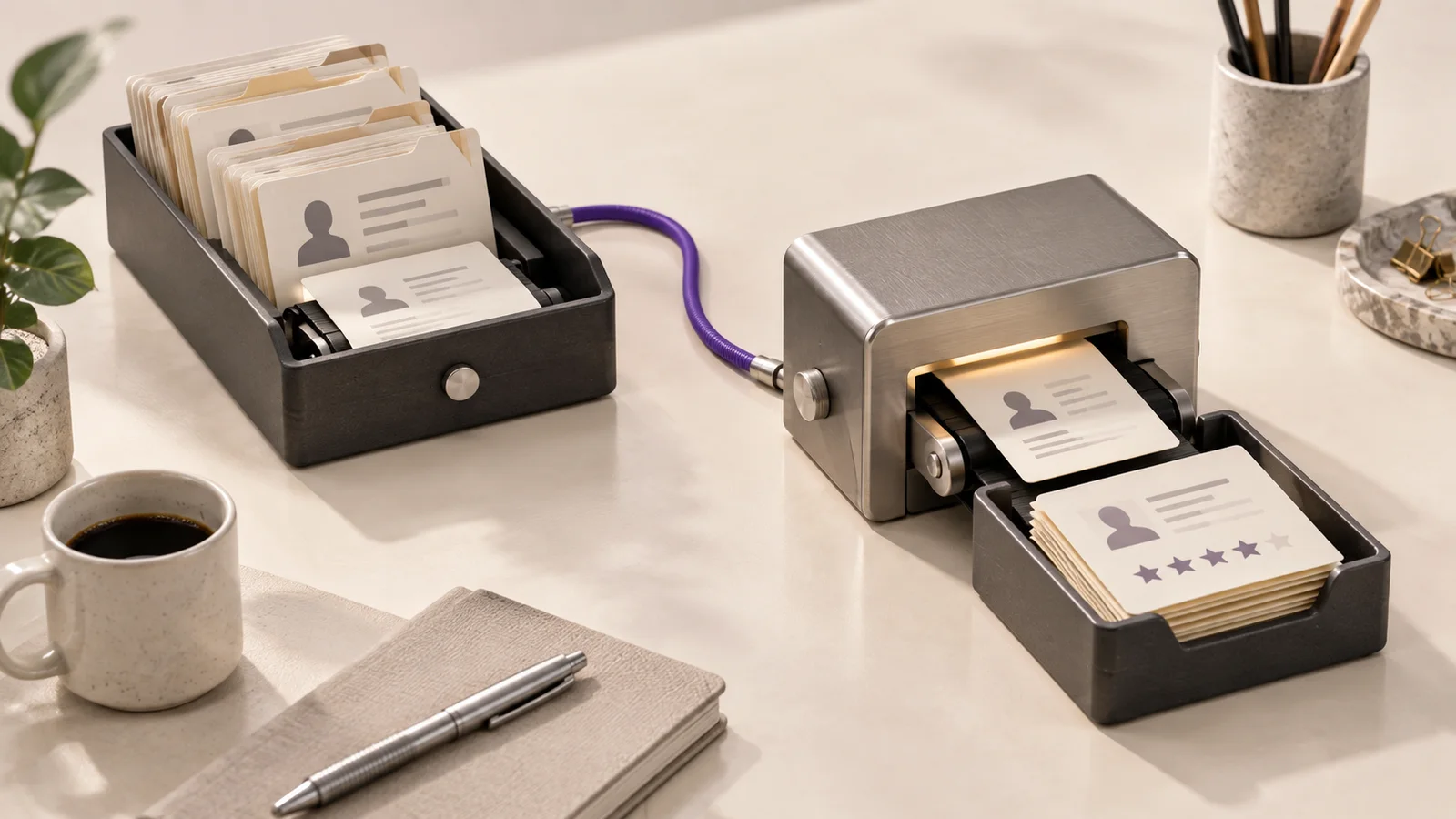
You do not need an integration to use PhoneScreen. You need it when you want screening to happen without anyone remembering to do it. Here are the three levels, from zero setup to full automation.
Level 1: the link
Every role has an apply link. Put it in the job post, in your ATS’s application auto-reply, or in the email you send after reviewing applications. Candidates open it, fill in the form, and call. Scorecards land in the PhoneScreen dashboard and, if you set a webhook URL, in your system too.
This takes five minutes and covers most teams. The only thing missing is that someone has to send the link.
Level 2: your ATS sends the link
Indeed Apply, CareerPlug, Hireology, ApplicantPro, and Workstream can send new applicants to PhoneScreen directly. When an application arrives, the candidate is created, gets the link, and can call in without a recruiter touching anything. For Zapier users, the same is available as a trigger and an action for any other system.
Results come back the same way: a Candidate Screened event with the score, the per-question answers, the transcript, and any custom fields you sent us, so your ATS can attach the scorecard to the right applicant.
Level 3: the API
For teams with their own applicant flow, the API does everything the dashboard does:
- Create a role from a posting. Post the job text and get back the structured job, five drafted questions, and the apply link.
- Update questions and settings on a role.
- Start a screen for a candidate, either by inviting them to call in or by placing an outbound call.
- Read results for a candidate, including the score and the answers.
- Receive webhooks when a job is added or updated and when a candidate is screened.
Authentication is a single API key from the Developers page. Ids are stable numbers, and every record also has a UUID.
The integration is designed so that the ATS stays the system of record. PhoneScreen adds a scorecard to it; it never asks you to work somewhere else.
Custom variables
Whatever you send with a candidate, you get back with the scorecard: your applicant id, requisition id, source, anything. That is how an ATS matches a screen to the right record without a lookup, and how a staffing agency routes results to the right client.
Where to start
Most teams do Level 1 on day one, Level 2 within the week, and only reach for the API when they have a workflow of their own. All three are included in the price of a screen. The full reference, with request and response examples, is on the Developers page inside the app, and a webhook capture takes about a minute to test.
If your ATS is not on the list, tell us. The Zapier path covers most of the rest, and direct integrations are added as customers need them.
Curious what the candidate hears?
Take the three-question sample screen for a paper sales job at Dunder Mifflin. Your scorecard lands in your inbox.